Earner mobile app
The real earner app — iPhone and Android
Sign in with a one-time code, turn sharing on over Wi‑Fi or mobile data, and cash out in stablecoin. The screens on this page are real captures of the current Android app, signed in with our demo account.
- ✓Rates: $0.20 / GB Wi‑Fi · $0.30 / GB mobile
- ✓Min withdraw $5


Install from the App Store or Google Play, then sign in with phone OTP.
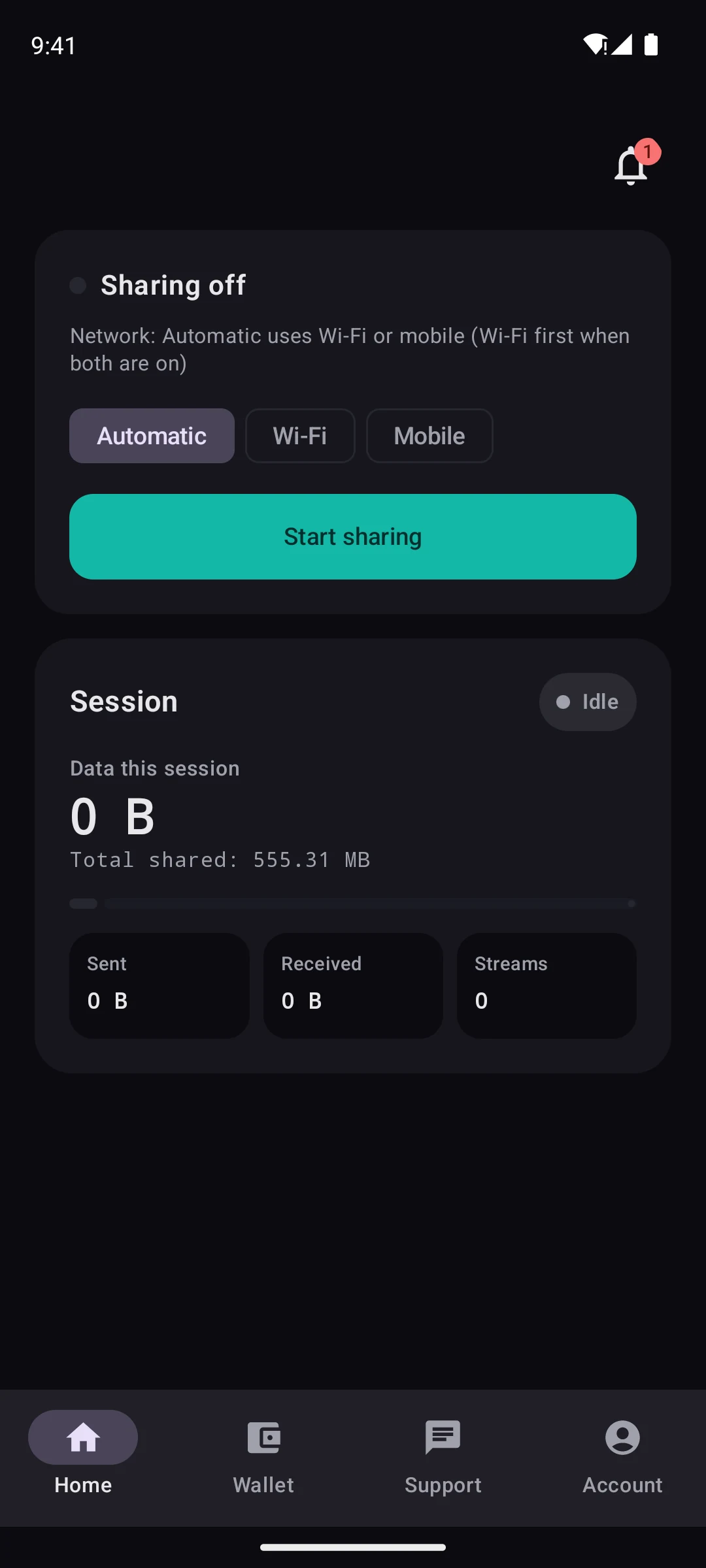
Home
Pick automatic, Wi‑Fi or mobile and tap Start sharing. This session and your total are below.
How earning works
Three steps on your phone
01
Sign in
Enter your phone number, get an SMS code, you’re in. No passwords to remember.
02
Start sharing
Pick Wi‑Fi / mobile policy and tap Start. A notification stays while you’re earning.
03
Get paid
Balance updates from shared GB. Withdraw in stablecoin to your own wallet from the min amount.
App screens
Screens from the current Android app
Home, wallet, support chat and account, as an earner sees them today.
Home
Pick automatic, Wi‑Fi or mobile and tap Start sharing. This session and your total are below.
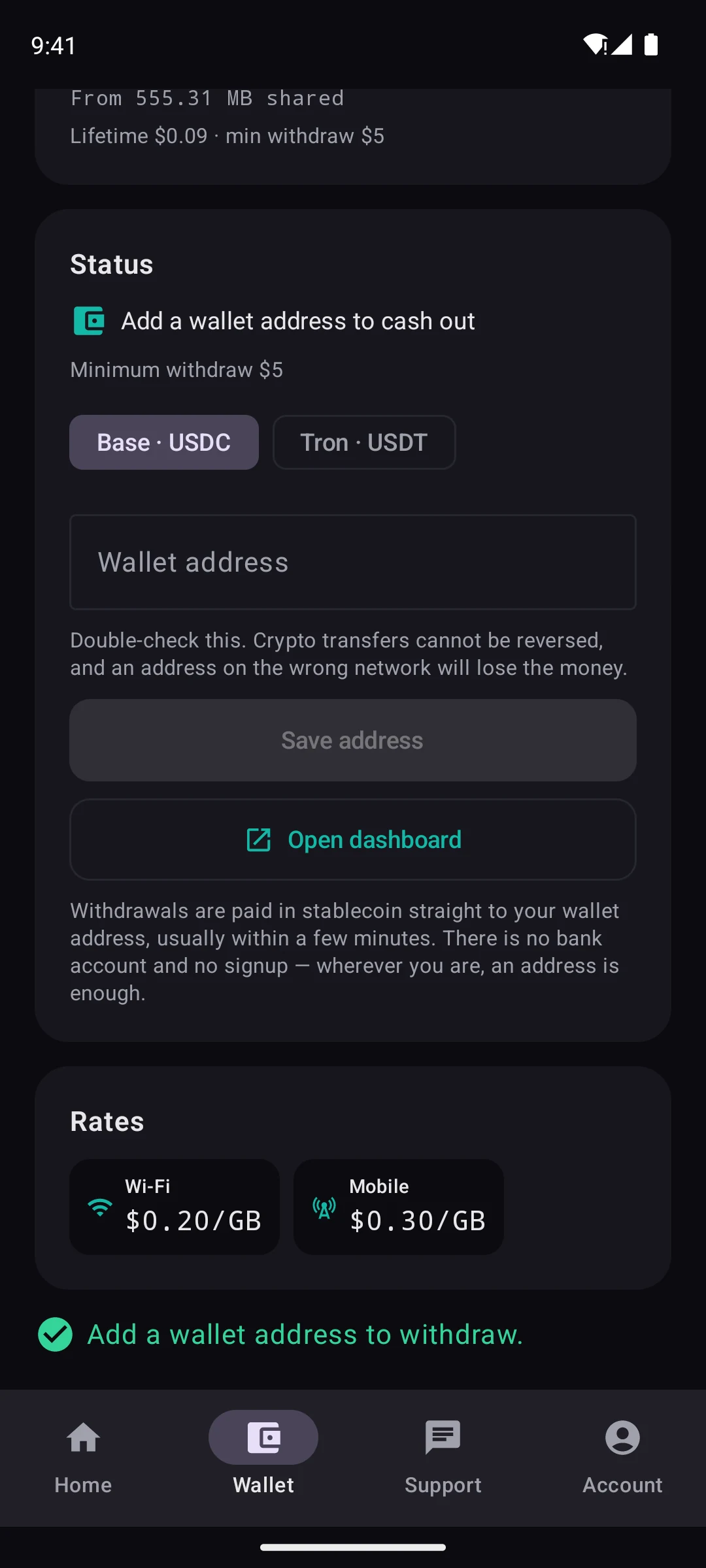
Wallet
Balance, rates ($0.20 / GB / $0.30 / GB) and cash-out from $5 to a USDC or USDT wallet.
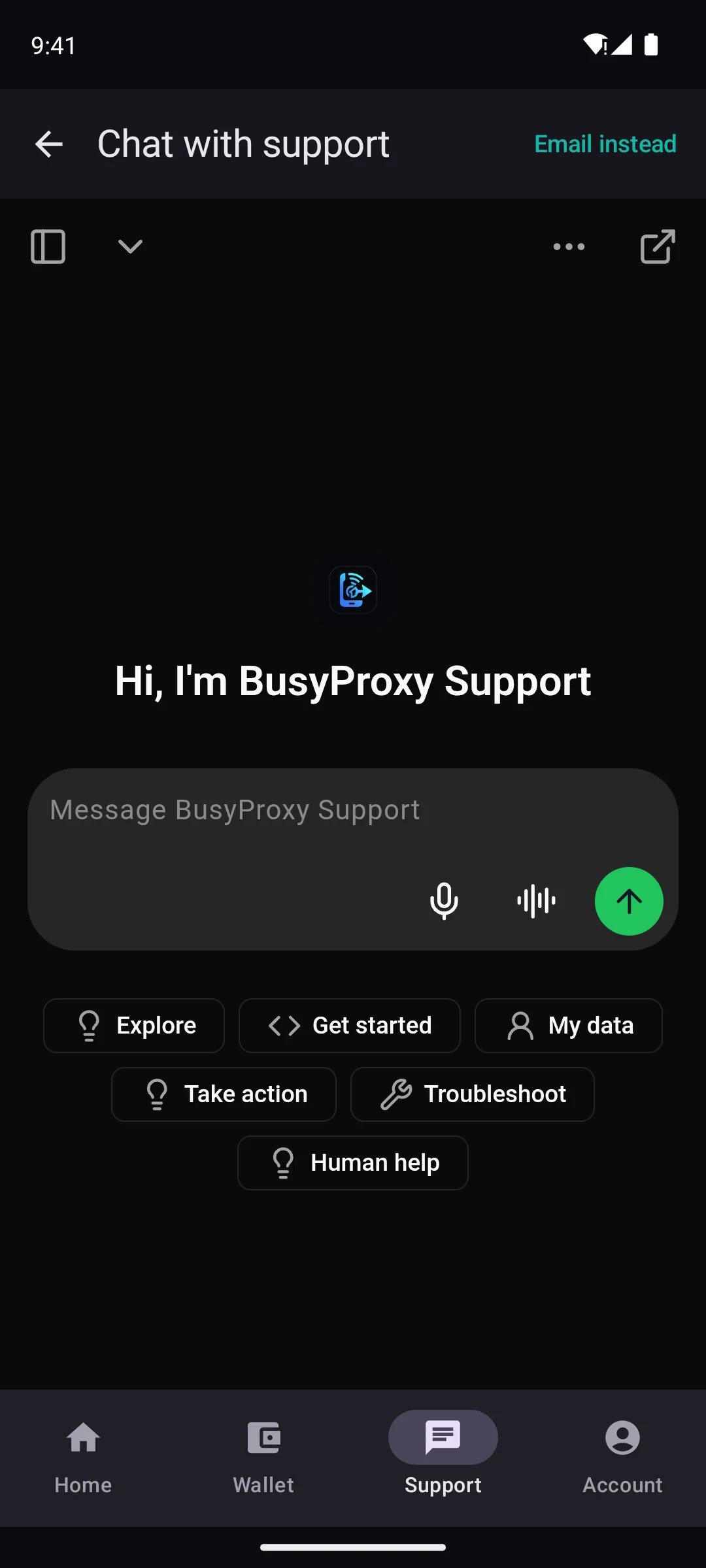
Support chat
Chat with BusyProxy AI by text or voice, right in the app.
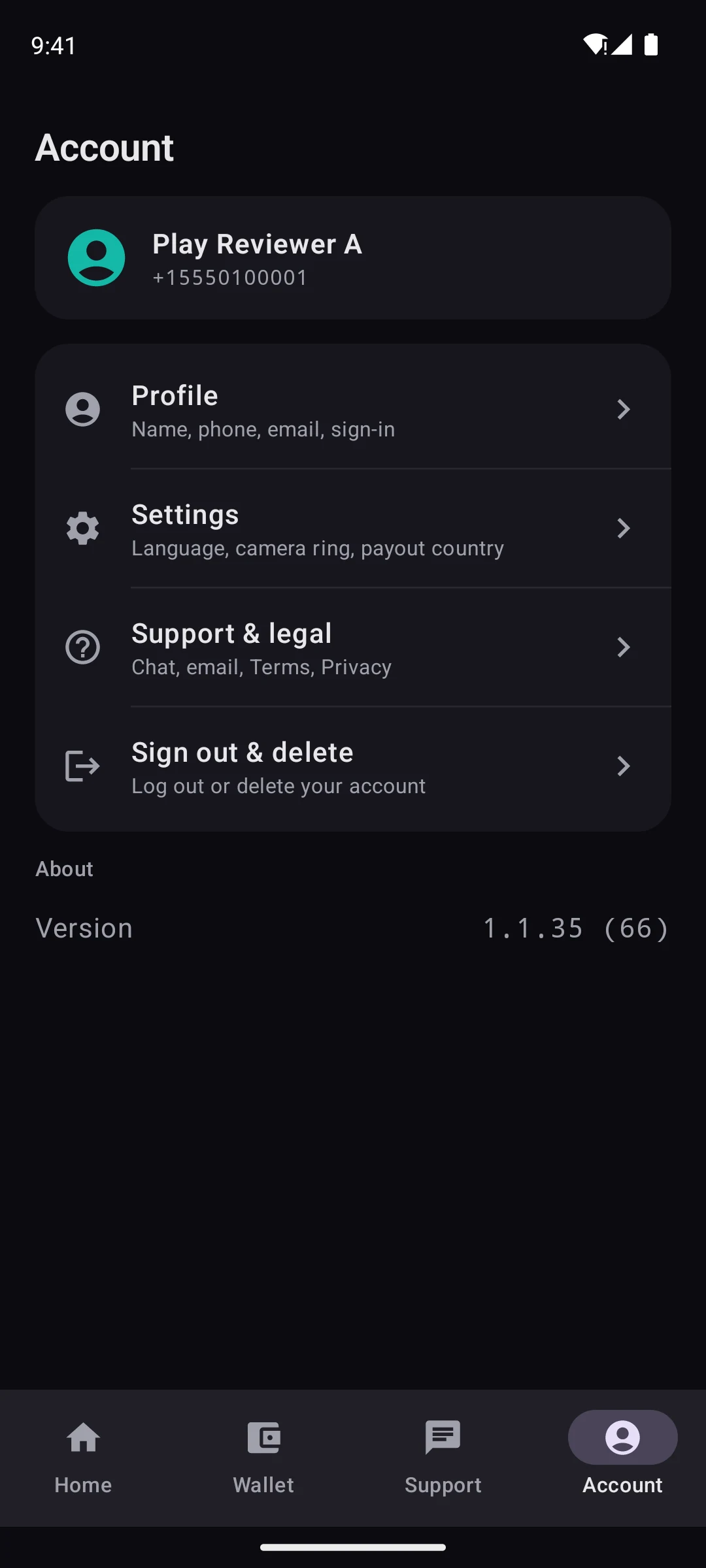
Account
Profile, settings, support and legal, sign out or delete your account.
What’s in the app
Built for earners, not for operators
Native iPhone & Android
On the App Store and Google Play. Sign in with a one-time code by email or SMS.
Wi‑Fi & mobile modes
Automatic, Wi‑Fi only or mobile only. In an “only” mode it never falls back to the other network.
Live session on your phone
See what this session has shared, and your total, while sharing is on.
Crypto cash-out
Withdraw available balance from $5. Same phone account on /dashboard.
Persistent notification
While sharing is on, Android keeps a clear notification so you always know bandwidth is shared.
You control start / stop
Sharing is explicit. Stop anytime. Consent screen explains what traffic routing means.
Help in the app
Chat with BusyProxy AI from the Support tab, or email support@busyproxy.net.
Install today
Download on the App Store or Get it on Google Play, then sign in with phone OTP.